How to · guide 11 of 12 · 5 min read
Execution tracking — P80 trend + hindcast calibration
A QSRA proves its worth in month six, when someone asks "has the forecast actually held?" The tracking log answers with data: each recorded update pins the date, seed, inputs hash and forecast, and the trend shows how the commitment date and the register really moved.
- Each month: re-link, run, record. After the guide 02 re-link and a fresh run, click 📈 Track this update at the bottom of 5 Results. That's the whole ceremony. (It refuses politely if nothing changed since the last entry — the inputs hash is checked — or if the post-run variance pre-warm is still finishing; wait a beat and click again.)
- Read the trend. The P80 completion line against the deterministic plan shows drift as it develops — a P80 walking right month after month is an early warning no single run gives you. The risk burn-down beneath tracks open risks and their expected-value days as the register retires.
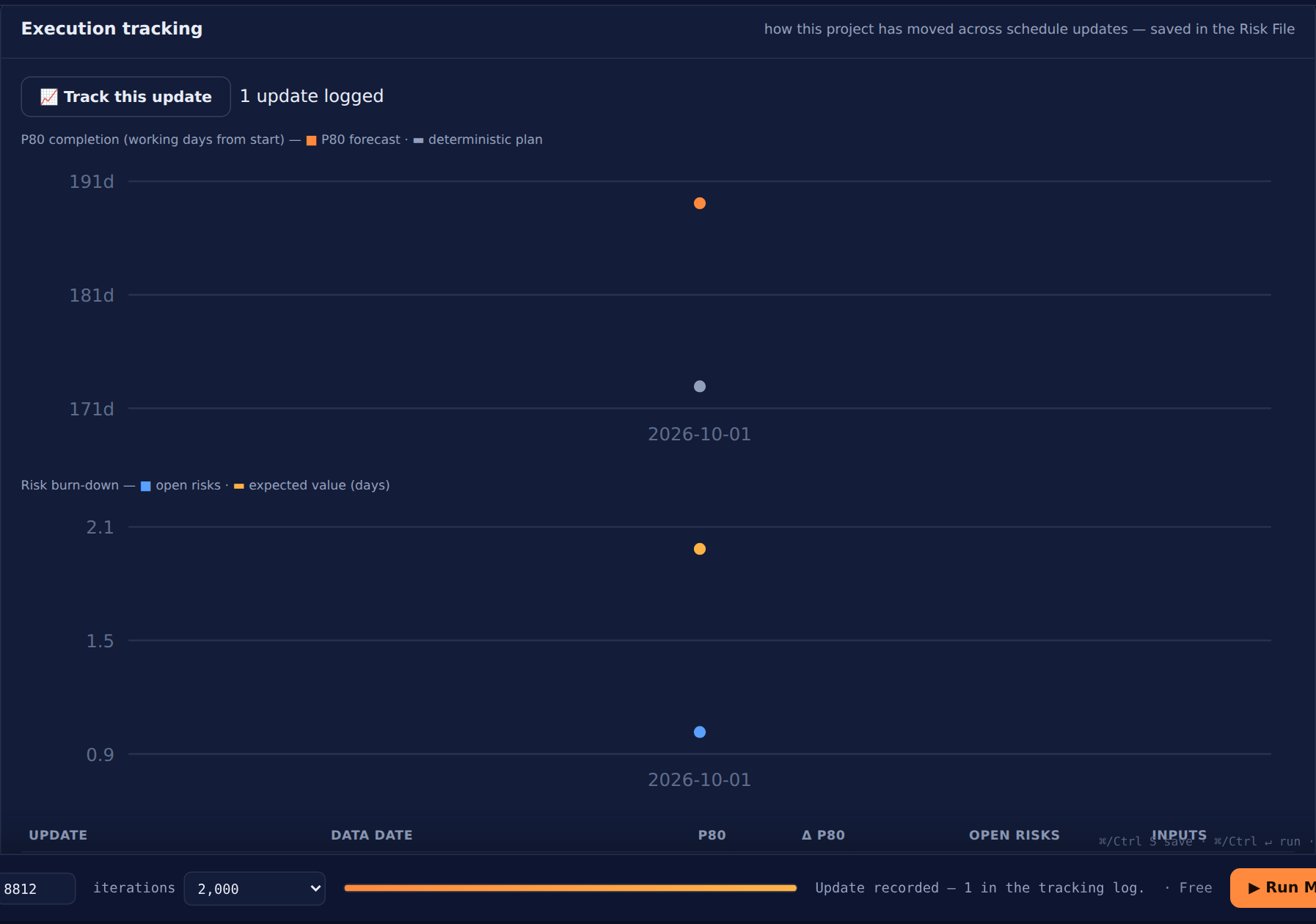 Two updates in: forecast vs plan, risk burn-down, and a log where every entry carries its seed and inputs hash.
 - Let the hindcast grade your calibration. From two entries the card reads the current plan position against your earlier forecast distributions and says it plainly: well calibrated, optimistic (reality landing beyond your old P80s) or cautious (inside P20). It's a running signal against today's plan-with-actuals, not a final score — but it's the difference between "we do QSRA" and "our QSRAs are calibrated".
- Audit any entry. Every row keeps seed, iterations and the SHA-256 inputs hash — the same fingerprint the reproducibility certificate uses — so any month's number can be re-derived exactly. The log lives in the Risk File; deliberately, it is excluded from the certificate hash, so tracking never changes what a certificate attests.