How to · guide 05 of 12 · 4 min read
Probabilistic branching — alternative paths
Sometimes the uncertainty isn't how long — it's which way. Design passes review or goes round again; ground conditions send you to plan B; a test fails into a re-work loop. A branch risk makes its mapped activities the heads of alternative paths: each iteration takes exactly one, and the untaken branches drop out of that iteration entirely.
- Build both paths in your schedule — the normal path and the re-work/alternative path, each hanging off the decision point and re-merging downstream. (Paths come from the imported schedule; the app doesn't edit logic.)
- Add a risk and set Mode to branch.
- Map the branch heads — risky path first. Add the first activity of each alternative path to Maps to, with the risky/re-work head listed first. Prob is the probability of taking that first head; the remaining heads share the rest equally.
- Run. In each iteration one path is taken; the other paths' exclusive activities collapse (and their costs vanish) up to the point where the branches re-merge. Activities shared beyond the re-merge are untouched. The result is a completion distribution that genuinely mixes the two futures — often visibly bimodal.
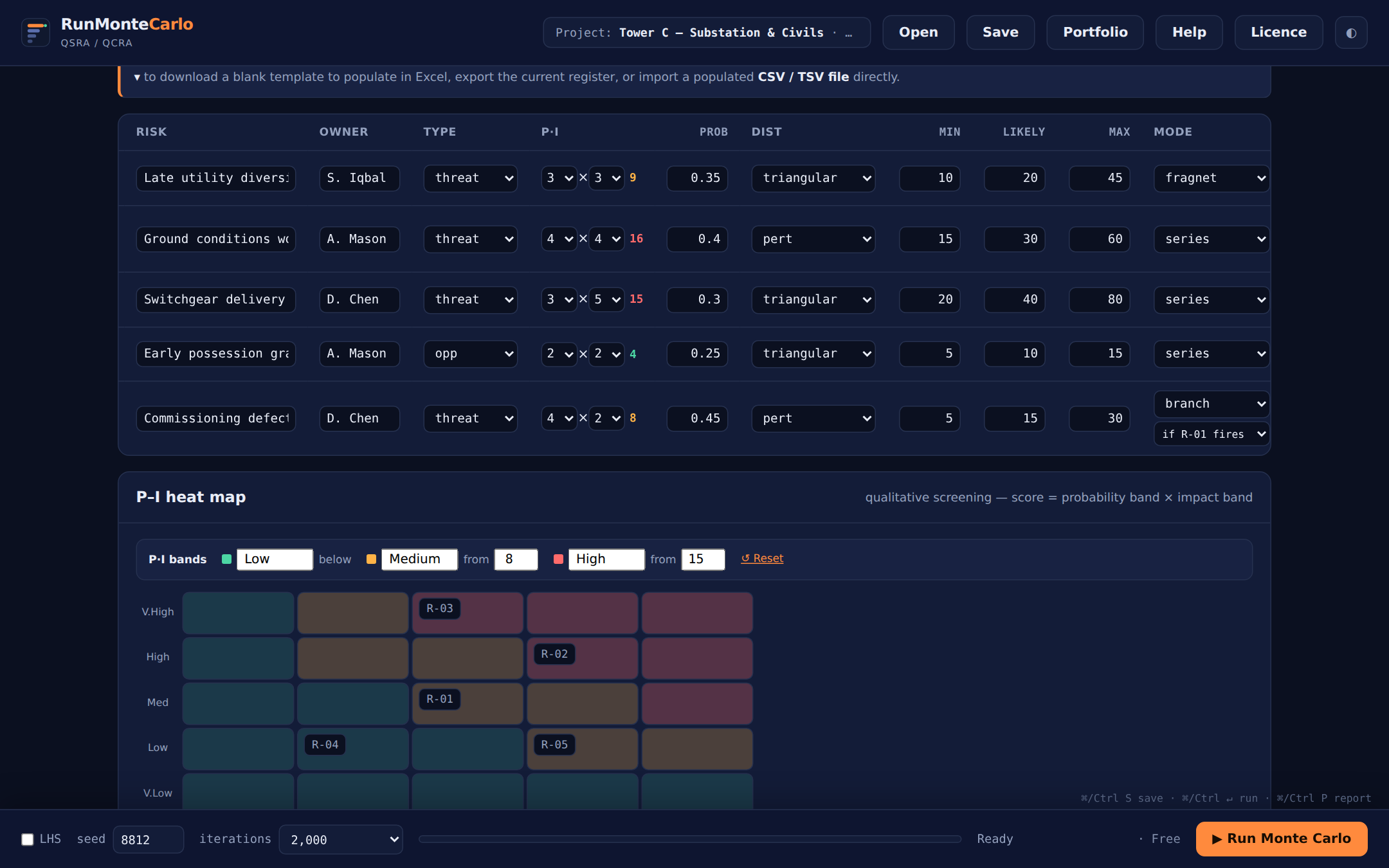 Mode set to branch — and the second dropdown that appears beneath it is guide 06.
Branch needs ≥ 2 mapped activities — with one, there's nothing to choose between and the risk behaves like an ordinary one. Costs follow the taken path: untaken-branch activity costs are excluded from that iteration's QCRA.
Model a plan-B path →